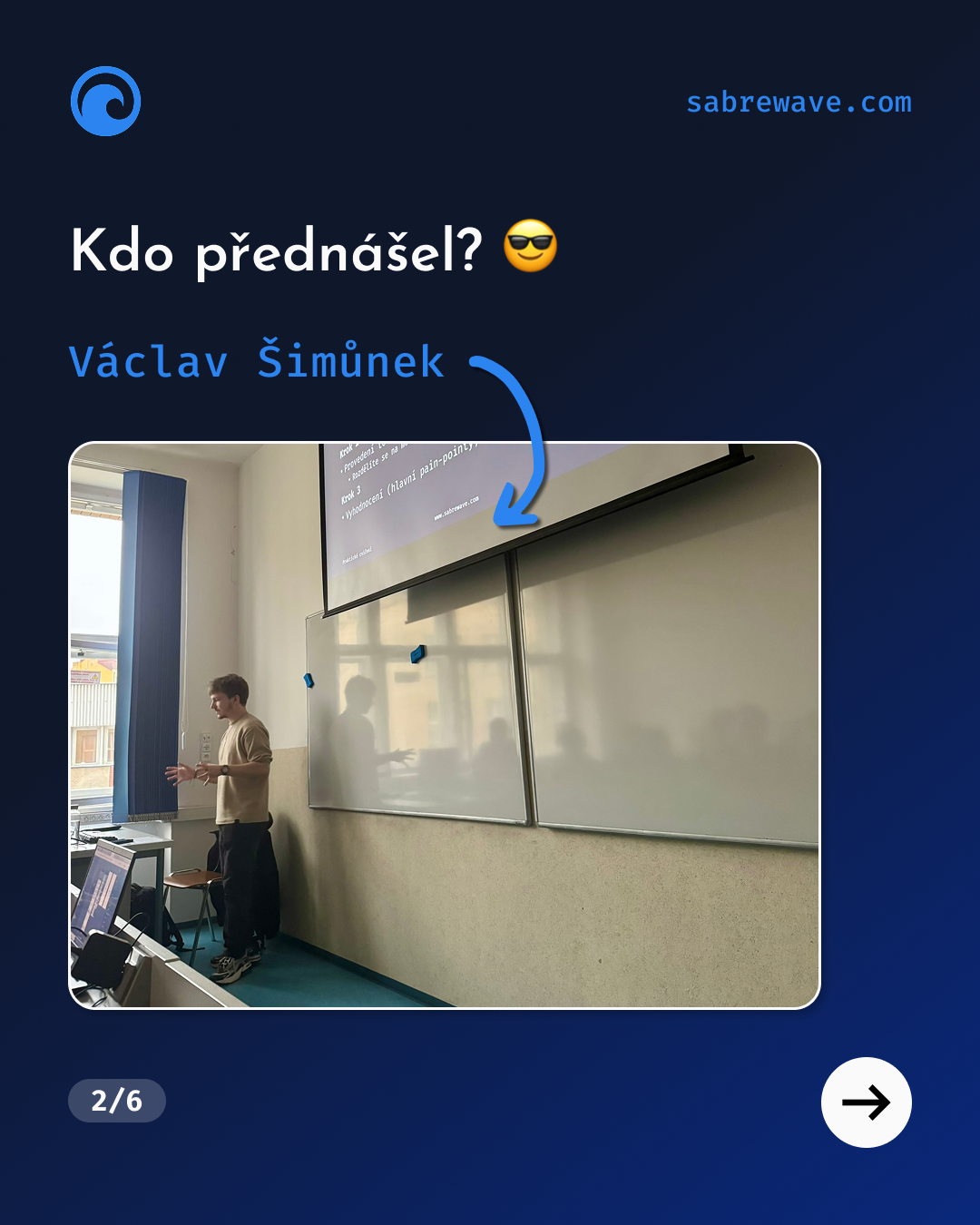
Václav Šimůnek, an executive at Sabrewave, gave lectures to students at the Prague University of Economics and Business (VŠE) on usability testing as part of the UI Design course. Across two sessions, he combined introductory theory with a hands‑on workshop using Figma prototypes and shared proven methods and practical tips from real projects.
I had the honor of lecturing on usability testing to Information Technology students at the Prague University of Economics and Business within the UI Design course. Since this topic is precisely my main domain, I was able to really dive into it. 😎
Structure
I taught a total of 2×90 minutes, because the program includes two student groups. Each class was split into two halves: lecture + workshop. The main idea was to deliver as much practical, real-world knowledge as possible and let students try out their newly acquired skills and procedures under expert guidance.
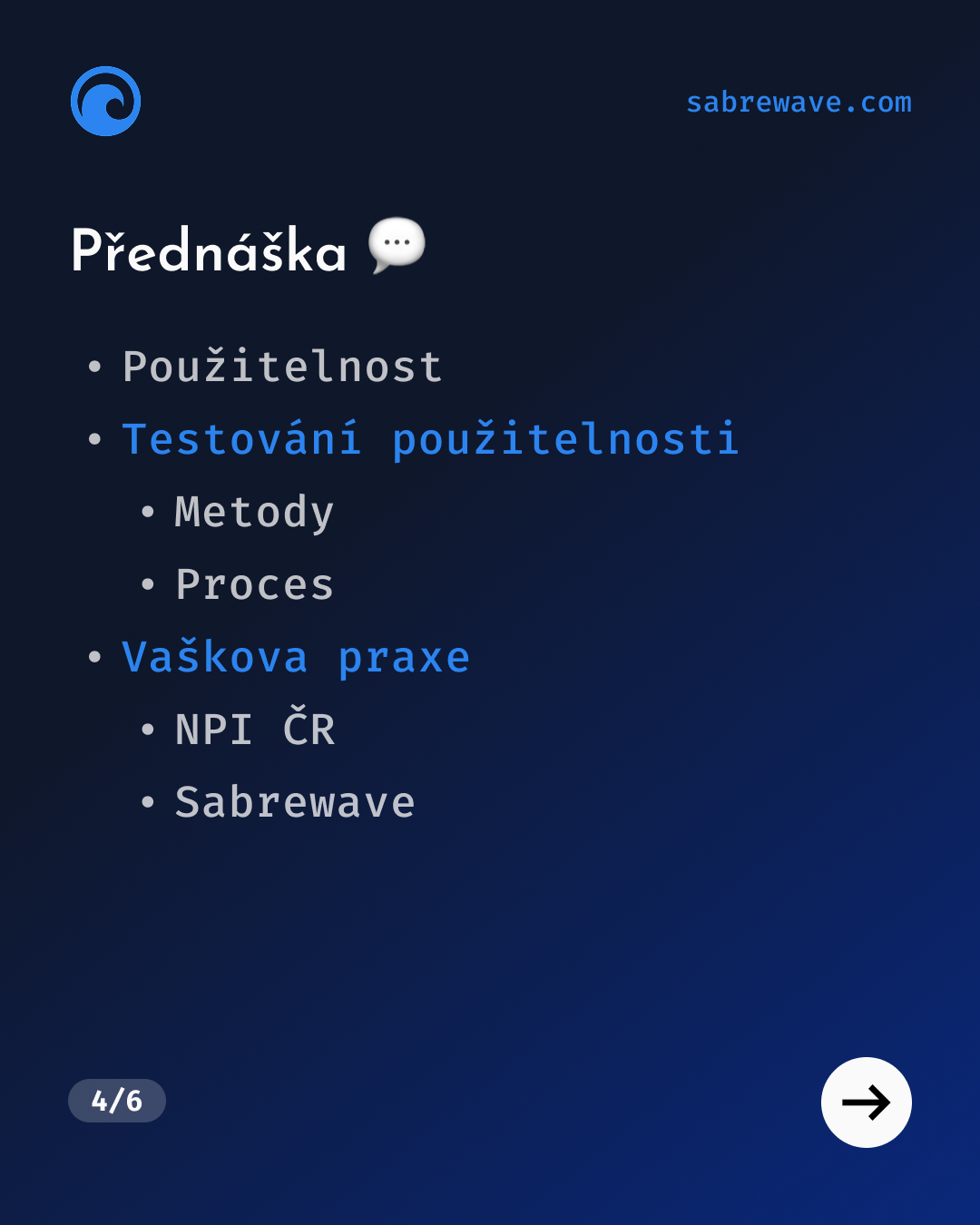
Lecture 💬
Right at the start, I explained what usability is, how we can measure it, and why it’s so important. Then I moved on to how usability can be improved – specifically through usability testing, where I introduced different approaches and methods such as A/B testing, guerrilla testing, and eye-tracking. I focused on presenting the key roles involved in usability testing and where such testing fits within the design process. I also covered the entire workflow from preparation through to presenting results.
And to cap the lecture off with the best part – my own practical experience with usability testing, gained both at Sabrewave and at the National Pedagogical Institute of the Czech Republic. The cherry on top was 4 tips I selected on purpose – things that could help students take their (not only) usability testing to the next level.
Workshop 💻
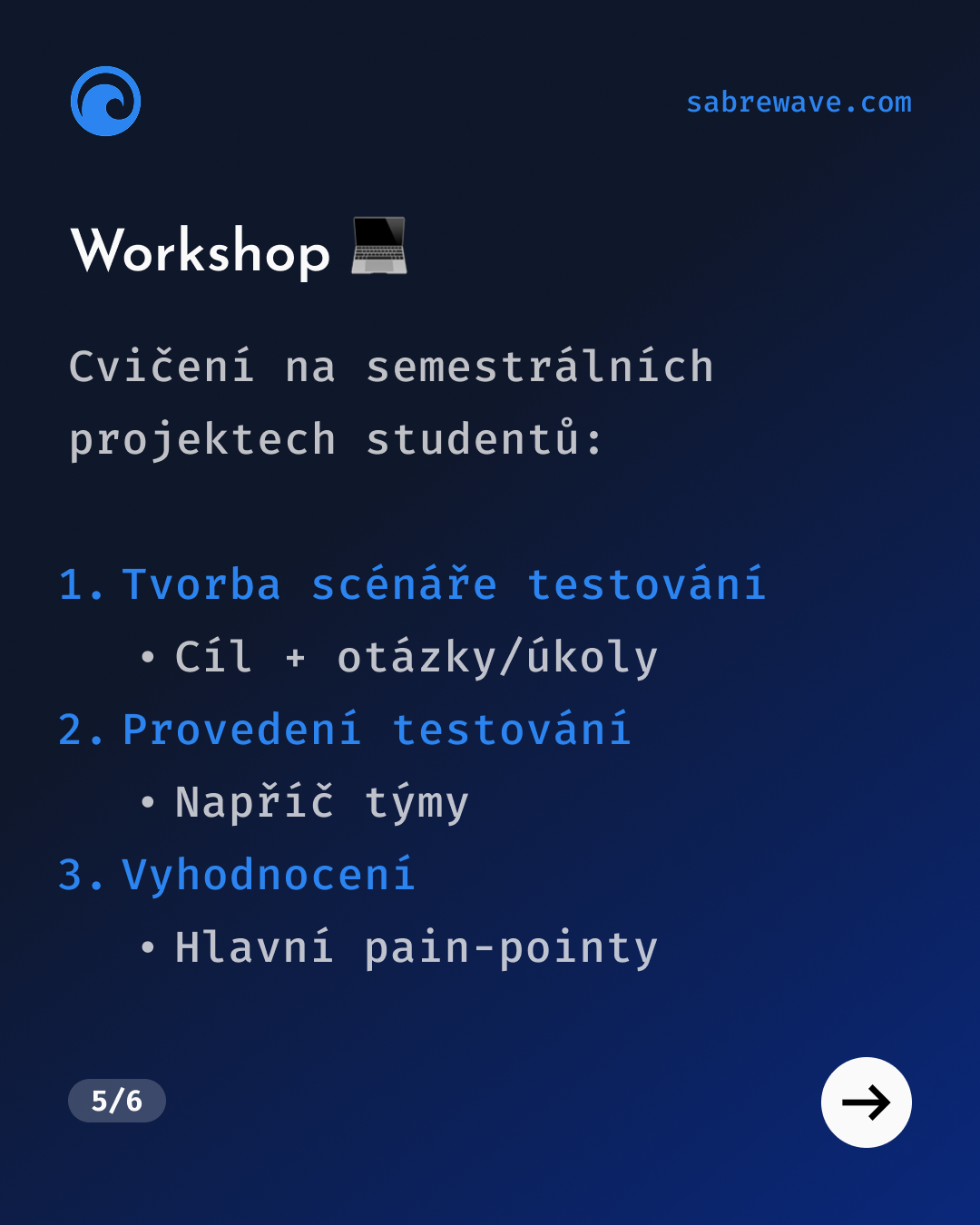
The second half of the class was a workshop designed to anchor the newly acquired knowledge by having students conduct their own small usability tests within their semester projects – prototypes of various applications designed in Figma. The workshop consisted of three parts:
- Creating a test scenario (Session Guide): defining the test goal and crafting specific questions and tasks
- Running the tests: testing the individual app prototypes across teams
- Evaluation: presenting the completed tests, highlighting the most important findings, and suggesting possible solutions
Working with the students went very well, especially on the second day when the classroom was completely full. I was particularly impressed by how engaged the students were – they weren’t afraid to ask questions or request help with drafting the Session Guide or with Figma itself.
And now there’s nothing left but to look forward to another lecture like this. 😉
Václav Šimůnek 💙